What Is IPTV?
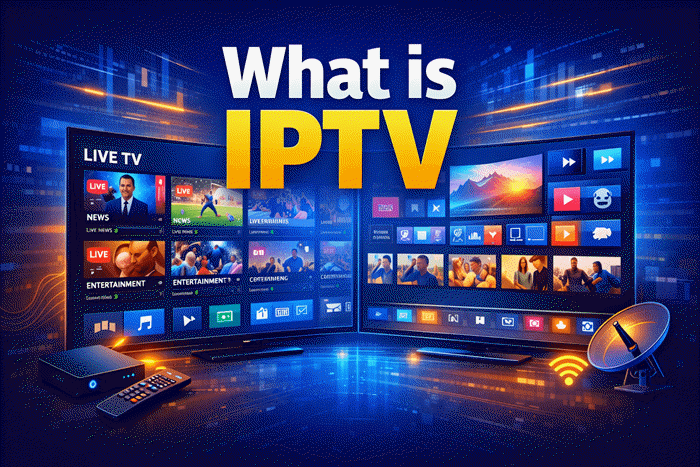
You’ve probably seen the term “IPTV” pop up while searching for ways to cut your cable bill — but what does it actually mean? IPTV stands for Internet Protocol Television, and it’s simply a way of delivering TV content over the internet instead of through a traditional cable or satellite connection.
Rather than receiving a broadcast signal through a dish or coax cable, IPTV streams video directly to your device using the same internet connection you already have. In this article, you’ll learn exactly how IPTV works, what types exist, what you need to get started, and — critically — what’s legal and what isn’t.
What Does IPTV Mean?
IPTV full form: Internet Protocol Television.
Break it down: “Internet Protocol” is the system your devices use to send and receive data online — the same technology behind websites, emails, and video calls. “Television” is the content: live channels, movies, TV series, sports.
Put them together and IPTV = TV delivered over the internet using IP-based networks.
This is different from streaming services like Netflix or Disney+. Those are OTT (Over-the-Top) platforms — they only offer on-demand content. IPTV typically includes live TV channels, giving it an edge for news, sports, and events.
Top IPTV Picks
Verified this month








How Does IPTV Work?
Think of it like ordering food delivery instead of going to a restaurant. With traditional TV, the broadcaster sends out a signal to everyone at once — you either catch it or you don’t. With IPTV, content is delivered directly to you, on demand, through your internet connection.
Here’s the basic process:
- A content provider stores video on powerful servers.
- When you request a channel or show, your device sends a signal to that server.
- The server streams the video to you in small data packets over the internet.
- Your IPTV app or device reassembles those packets and plays the video.
💡 Tip: This is why a stable, fast internet connection matters for IPTV. Slow or unstable connections lead to buffering, freezing, or poor picture quality.
Check the List of Best IPTV Service in 2026 (Latest)
What Internet Speed Do You Need?
| Quality | Recommended Speed |
| Standard Definition (SD) | 5 Mbps |
| High Definition (HD) | 10–15 Mbps |
| Full HD / 1080p | 20–25 Mbps |
| 4K Ultra HD | 40+ Mbps |
These are per-stream speeds. If multiple people in your household are streaming simultaneously, multiply accordingly.
Types of IPTV
Not all IPTV services work the same way. There are three main types, and many services offer a combination of all three.
1. Live IPTV (Live Television)
This is the closest to traditional TV. You watch channels in real time — news, sports, local broadcasts — just as they air. The key difference is delivery: it comes through your internet connection, not an antenna or satellite dish.
Live IPTV is especially popular for sports streaming, where watching in real time matters.
2. Video on Demand (VOD)
VOD lets you choose what to watch and when to watch it. Think of it like a library — you browse a catalog of movies, series, or documentaries and play them whenever you like.
Many IPTV providers bundle a large VOD library alongside live channels, making it a one-stop entertainment package.
Check the Best IPTV for VOD
3. Time-Shifted TV (Catch-Up)
Time-shifted TV lets you watch content that already aired — usually within a 7–30 day window. Missed the game last night? Catch-up lets you watch it this morning.
Some providers also offer start-over TV, which lets you restart a live broadcast from the beginning even while it’s still airing.
IPTV vs. Cable vs. Satellite vs. Streaming
| Feature | IPTV | Cable | Satellite | OTT Streaming |
| Delivery method | Internet | Coaxial cable | Dish/signal | Internet |
| Live TV channels | ✅ Yes | ✅ Yes | ✅ Yes | ⚠️ Limited |
| On-demand content | ✅ Yes | ⚠️ Limited | ⚠️ Limited | ✅ Yes |
| Requires installation | ❌ No | ✅ Yes | ✅ Yes | ❌ No |
| Works on multiple devices | ✅ Yes | ⚠️ With extra kit | ❌ Usually no | ✅ Yes |
| Affected by weather | ❌ No | ❌ No | ✅ Yes | ❌ No |
IPTV sits in the middle — it offers the live channel experience of cable and satellite, with the flexibility of modern streaming platforms.
What Do You Need to Use IPTV?
Getting started with IPTV doesn’t require much. Here’s what you need:
- A stable internet connection — broadband or fibre recommended (see speed table above)
- A compatible device — Smart TV, Android TV box, Amazon Firestick, smartphone, tablet, or PC
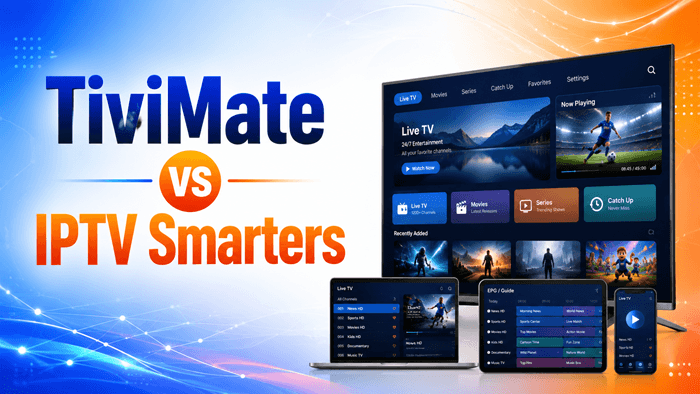
- An IPTV app — popular options include Tivimate, IPTV Smarters Pro, and GSE Smart IPTV
- A subscription to a licensed IPTV provider — more on this below
💡 Tip: If your Smart TV doesn’t support your chosen app natively, a cheap Android TV stick or box can extend its compatibility.
Is IPTV Legal?
This is one of the most important questions to ask before subscribing to any service.
The short answer: IPTV itself is completely legal. The technology is neutral — it’s just a delivery method. Major legitimate services like Sling TV, YouTube TV, Hulu Live, and many national broadcasters’ own apps all use IPTV technology.
The issue is with unlicensed providers.
Some services offer hundreds or thousands of channels — including premium sports, movies, and pay-per-view events — at suspiciously low prices. These often operate without agreements from content owners, which makes using them illegal in most countries.
💡 How to tell the difference:
- Licensed providers have publicly listed business information, legal terms, and content agreements. They may carry recognizable brand names or operate as apps on official app stores.
- Unlicensed providers often operate through anonymous resellers, offer abnormally large channel counts for very low monthly fees, and cannot be found on official app stores.
Always verify that a service holds proper licensing before subscribing. In many jurisdictions, knowingly using an unlicensed IPTV service can expose subscribers — not just providers — to legal risk.
Pros and Cons of IPTV
| ✅ Pros | ❌ Cons |
| No satellite dish or cable installation needed | Requires a reliable, fast internet connection |
| Watch on multiple devices | Quality depends on your ISP |
| Includes live TV, VOD, and catch-up in one place | Some providers are unlicensed — buyer beware |
| Often more flexible pricing than cable | Not all apps are available on every device |
| Easy to cancel or switch providers | Legal grey areas exist in some markets |
FAQ
What is the difference between IPTV and Netflix?
Netflix is an OTT (Over-the-Top) streaming service — it only offers on-demand content. IPTV typically includes live television channels in addition to on-demand content, making it closer to a cable TV replacement. Both use the internet to deliver video, but the content model is different.
Can I use IPTV on any TV?
You can use IPTV on most modern Smart TVs, and on older TVs by adding a device like an Amazon Firestick, Android TV box, or Apple TV. As long as your TV has an internet connection (wired or Wi-Fi) and can run an IPTV app, you’re good to go.
How much internet speed do I need for IPTV?
For standard HD streaming, a minimum of 10–15 Mbps per stream is recommended. For 4K, aim for 40 Mbps or more. If multiple people in your home watch simultaneously, you’ll need proportionally more bandwidth.
Is free IPTV legal?
Some free IPTV services are legitimate — for example, Pluto TV, Tubi, and national broadcaster apps (BBC iPlayer, etc.) are free and fully licensed. However, many “free” IPTV services offering premium channels without charge operate illegally. If a service offers live premium sports or pay-TV channels for free, it almost certainly does not hold the rights to that content.
What is an M3U playlist in IPTV?
An M3U playlist is a text file that contains a list of channel stream URLs. Many IPTV providers deliver their service via an M3U link, which you load into a compatible IPTV app to access the channel list. It’s essentially the “key” that connects your app to the provider’s content servers.